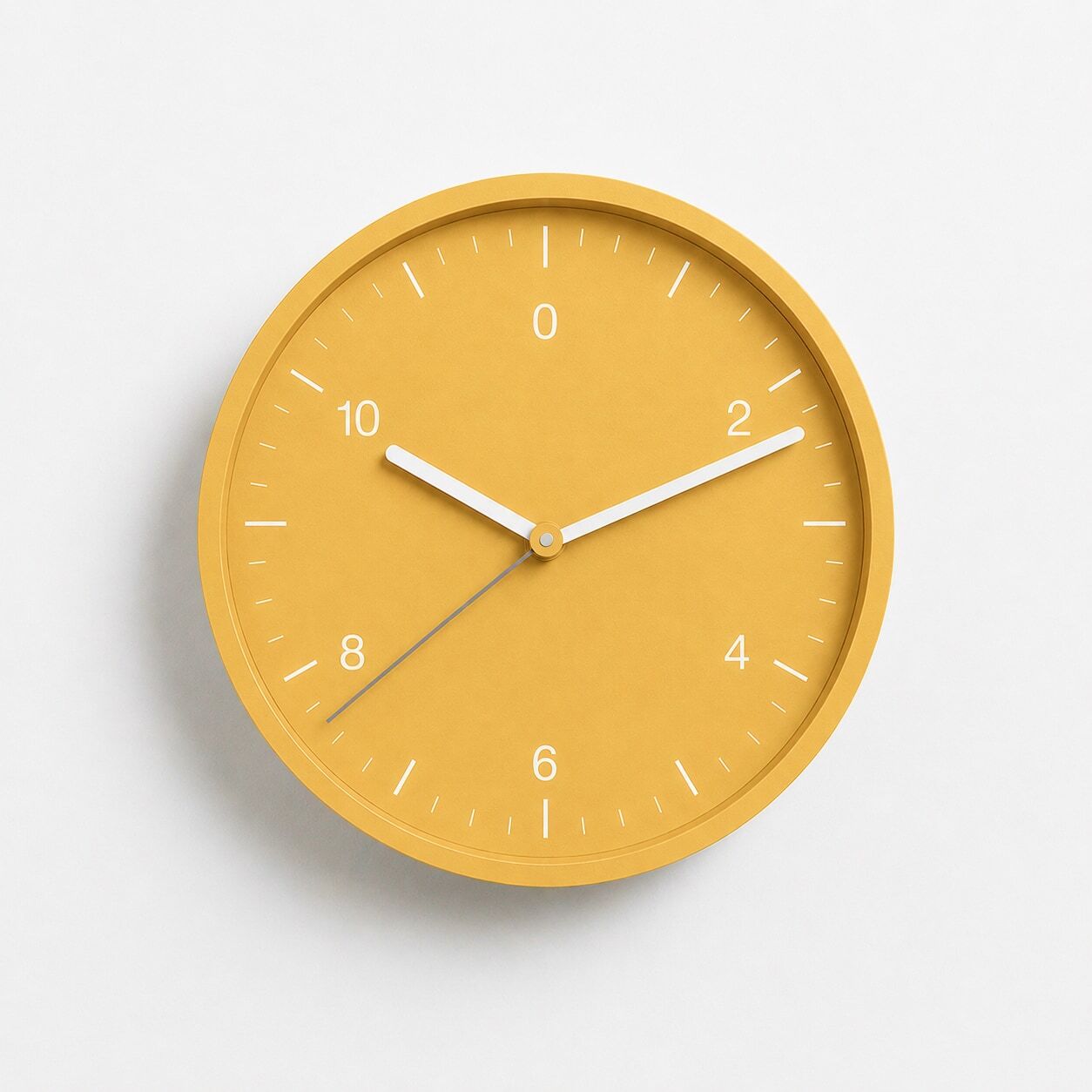
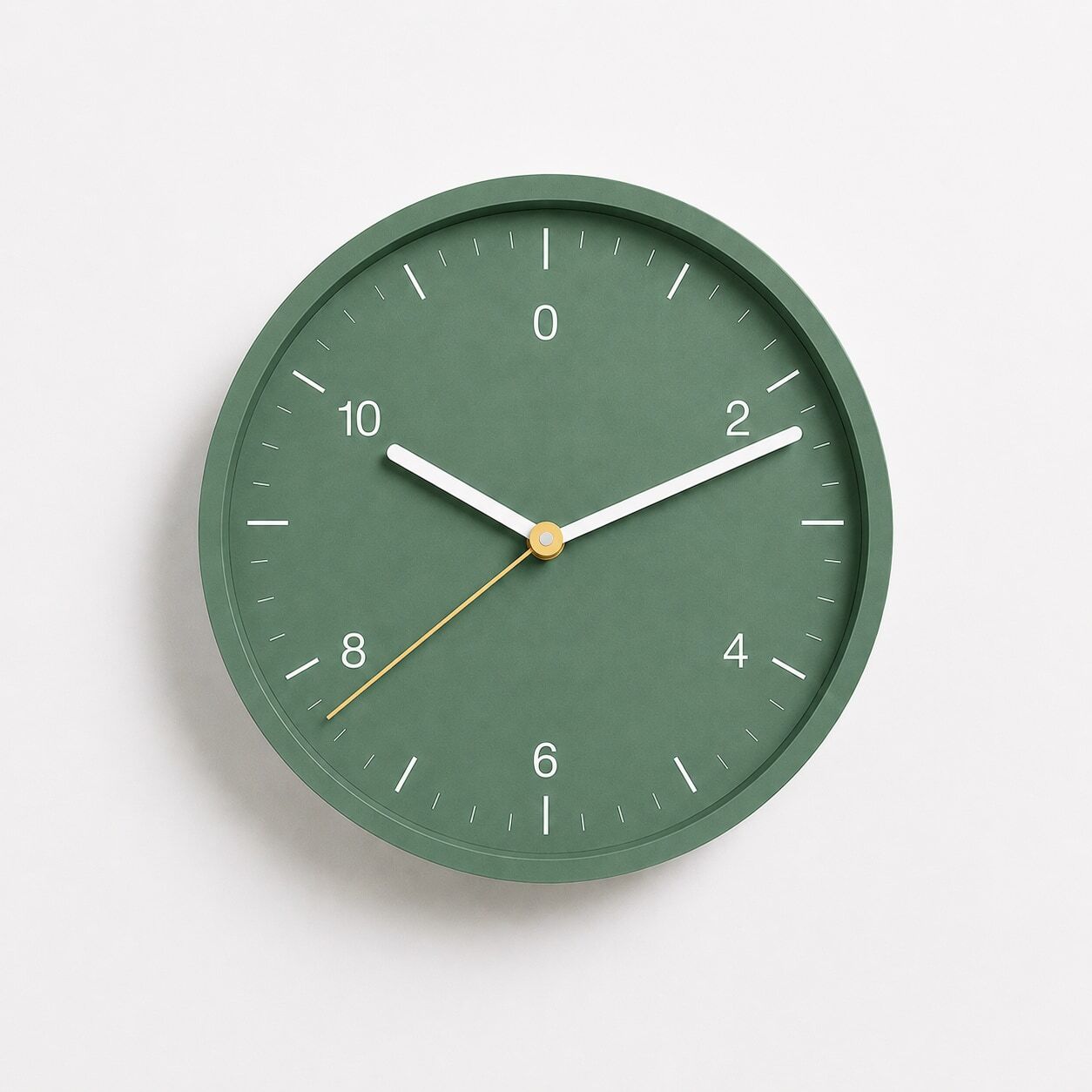
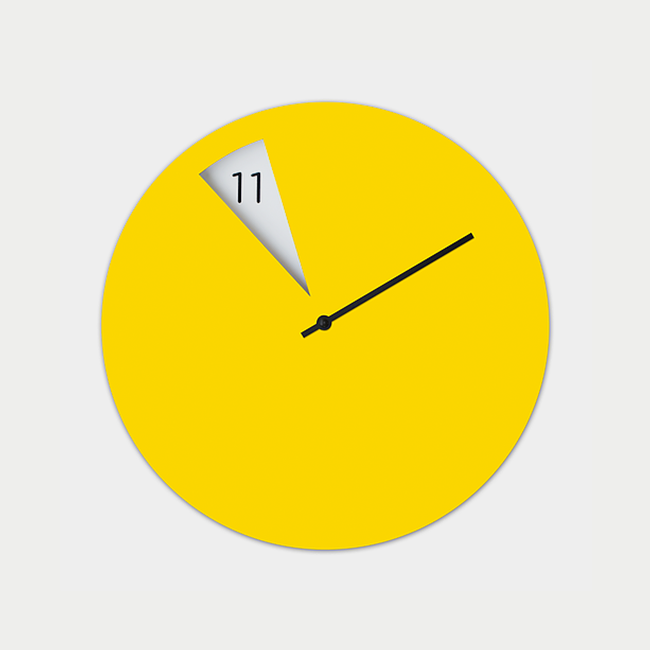
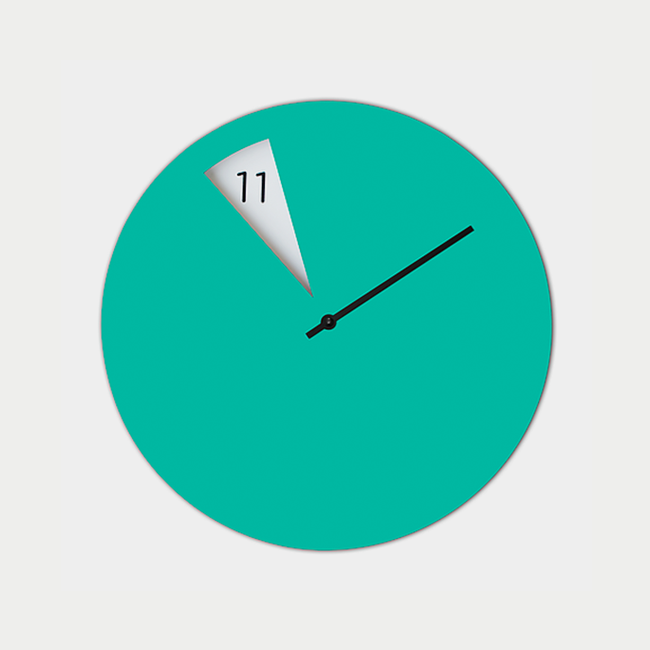
Aster is a modern wall clock designed to bring calm visual rhythm to any interior. Its matte finish, clean typography, and balanced proportions create a timeless appearance that fits naturally into living rooms, home offices, and creative spaces.
The silent quartz movement eliminates distracting ticking, while the matte aluminum frame and carefully crafted hands provide a refined, premium feel. Aster is designed to be both a functional everyday object and a subtle decorative accent that complements a wide range of interiors.
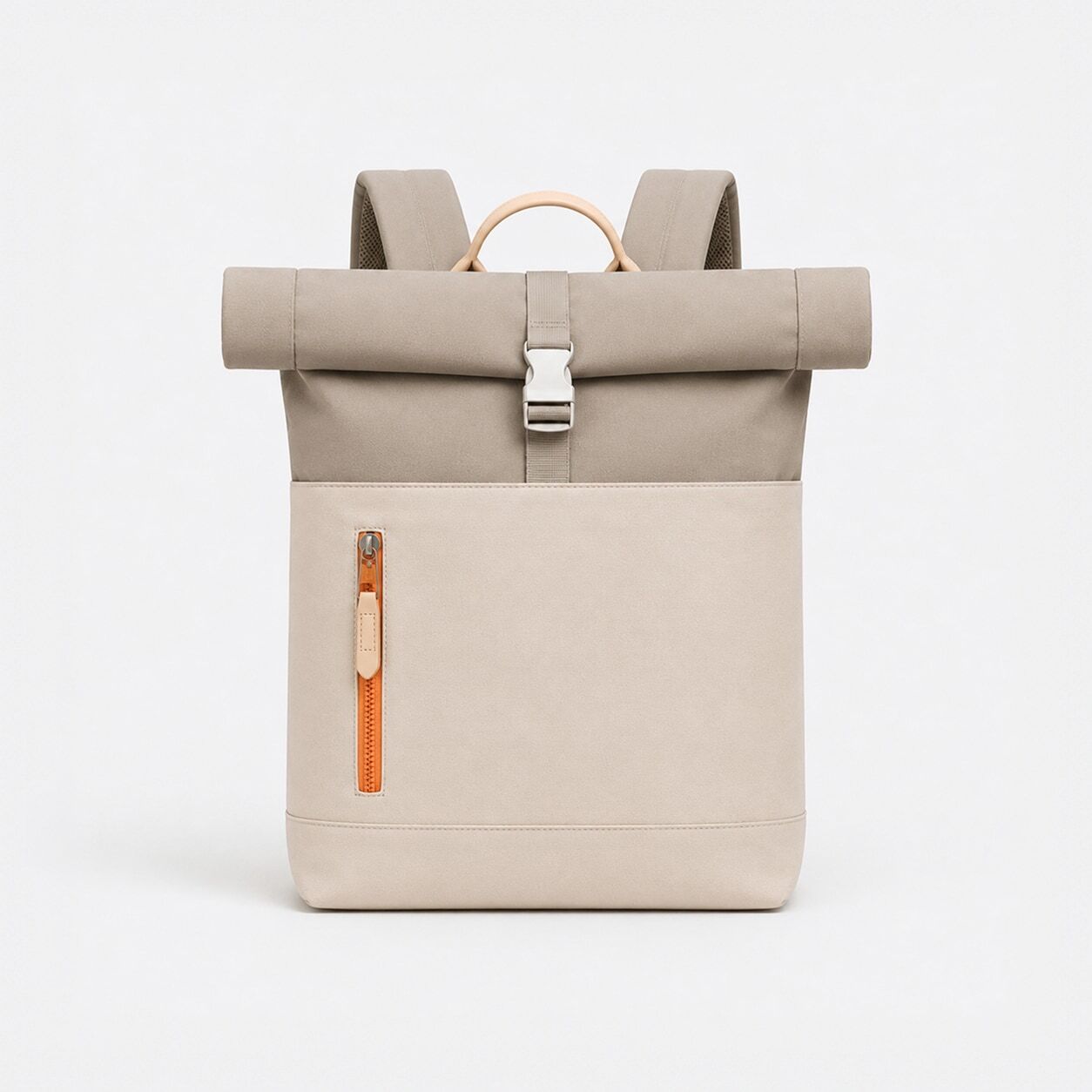
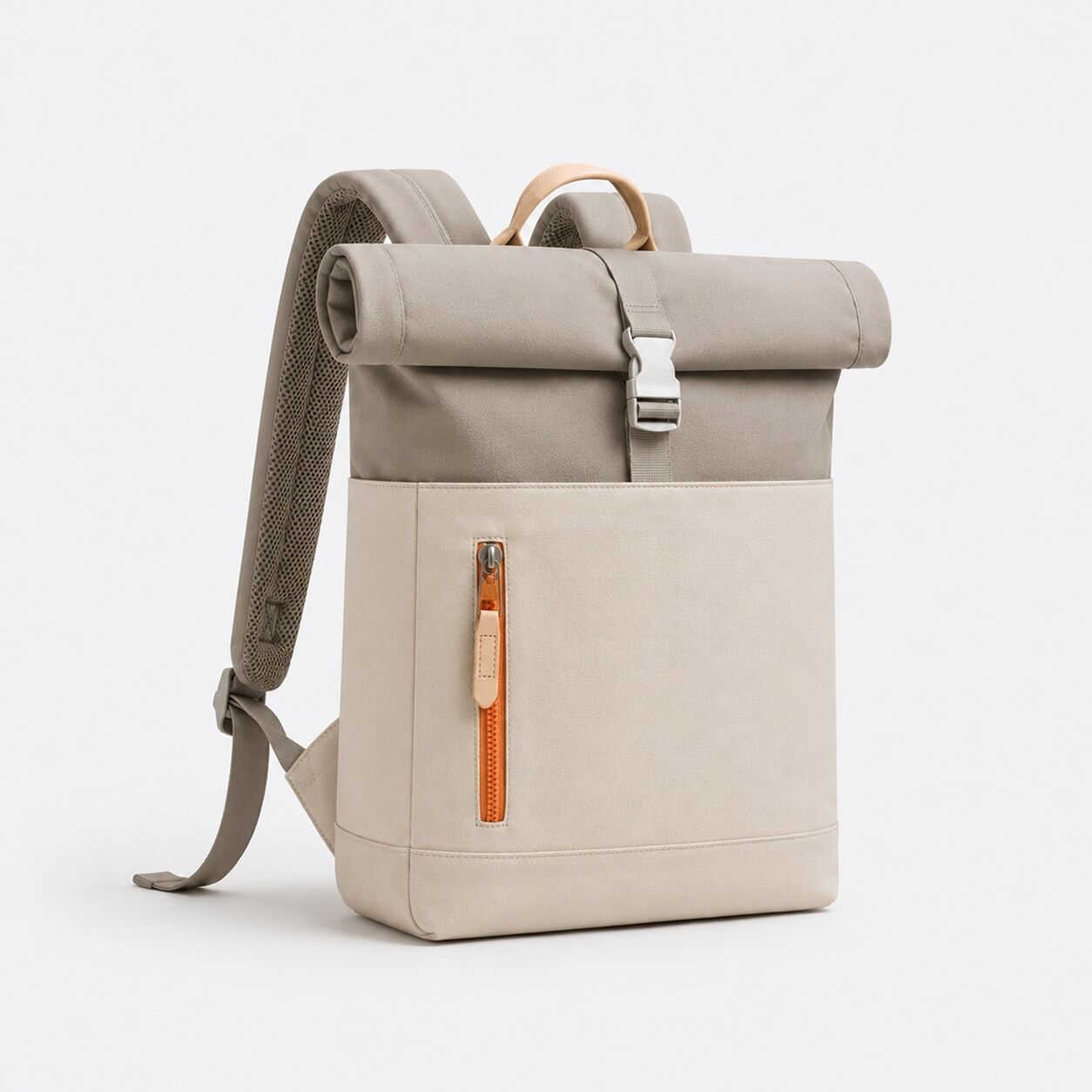
Designed for everyday commutes, weekend trips, and everything in between, the Nomad Roll Backpack combines a clean minimalist silhouette with practical functionality. The roll-top closure provides flexible storage while keeping your belongings secure, and the spacious main compartment easily fits a laptop, documents, and daily essentials.
A soft-touch exterior, reinforced base, and comfortable padded shoulder straps make it suitable for all-day use. The front zip pocket offers quick access to smaller items, while the subtle orange details add a modern accent without distracting from the understated design.
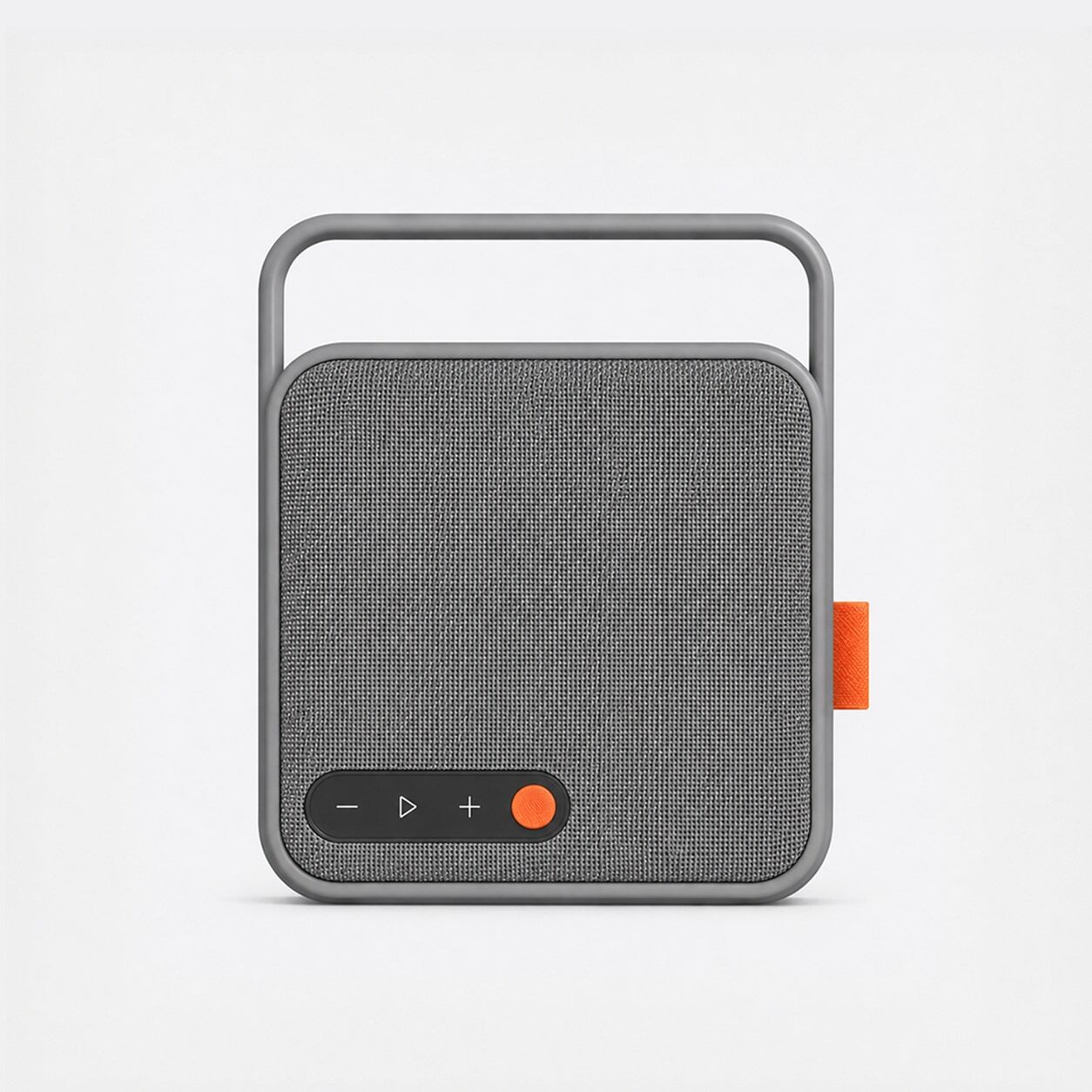
Orbit One is designed for people who appreciate great sound and thoughtfully crafted objects. Its clean silhouette, light fabric finish, and subtle orange accents create a distinctive look that feels at home in both modern interiors and creative workspaces.
Compact enough to fit on a desk, shelf, or bedside table, Orbit One is easy to move from room to room thanks to its integrated handle. The woven acoustic grille delivers balanced, room-filling sound, while the intuitive controls make adjusting volume and playback effortless.
Add here some interesting details about the product. Help people realized that this product is exactly what they need. It could be practical and useful information as well: size of the product, material that it is made of or care instructions.
Add here some interesting details about the product. Help people realized that this product is exactly what they need. It could be practical and useful information as well: size of the product, material that it is made of or care instructions.
Use this block to create a custom tile for your Feed. Configure it before publishing the page.
How to set it up:
1. Open Block Editor and select the layers containing the tiles in the Layers panel. 2. In the Feed settings, select your Feed in the Source field. 3. Select an element you want to connect to the Feed content. In the element settings, choose the corresponding Feed field. Repeat for all required elements.
Add here some interesting details about the product. Help people realize that this product is exactly what they need. It could be practical and useful information as well: the size of the product, material that it is made of, or care instructions.
Add here some interesting details about the product. Help people realize that this product is exactly what they need. It could be practical and useful information as well: the size of the product, material that it is made of, or care instructions.
Add here some interesting details about the product. Help people realize that this product is exactly what they need. It could be practical and useful information as well: the size of the product, material that it is made of, or care instructions.
Explore Our Features
We work hard every day to make our customers' lives better and happier
Pricing Plans
Your website will look brilliant as well as will be functional
Beginner
Free
Wake up and stretch your way to a fabulous Sunday with yoga to make you feel great.